Client Screening for Contractors
Contractors have had to rely on instinct for too long. Client Bureau gives business owners a structured way to check a client, review moderated public context, save searches, watch profiles, and document the project before risk grows.
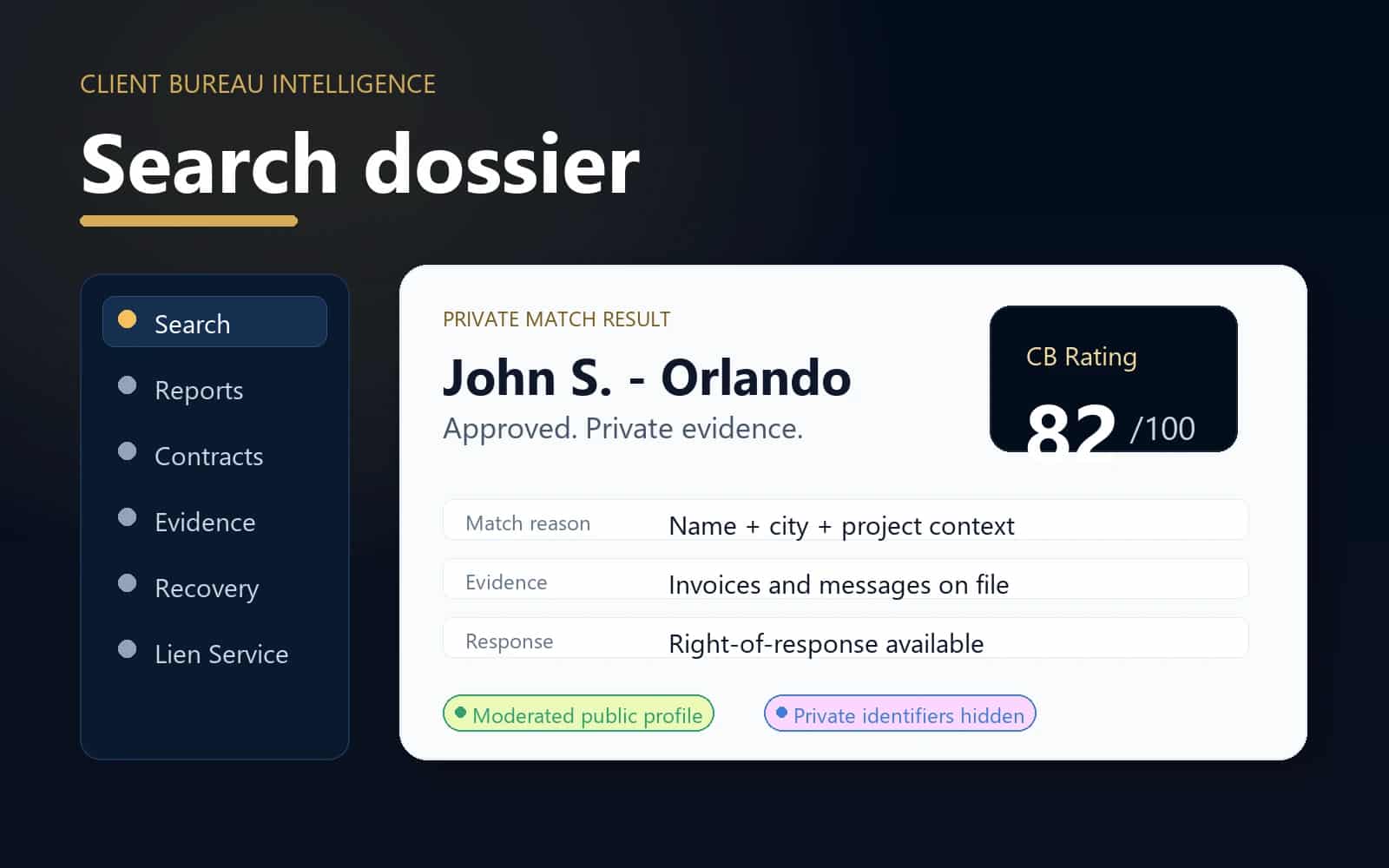
Core action
Search dossier
Use Client Bureau before committing crews, labor, materials, custom orders, scheduling, deposits, or extended payment terms.
Before work
Check
Review the relationship before committing labor, materials, scheduling, or deposits.
During work
Document
Keep scope, approvals, evidence, and project records together.
After work
Resolve
Track responses, payment follow-up, and moderated updates.
Privacy
Protected
Private identifiers and raw files stay out of public pages.
When this helps
Use the workflow for a specific business decision.
Use Client Bureau before committing crews, labor, materials, custom orders, scheduling, deposits, or extended payment terms.
- A new client requests a quote, contract, appointment, or deposit arrangement.
- You want to review reported payment concerns and positive experience context before saying yes.
- You need to save a search, monitor a client, or document your own project experience.
Workflow
A clear path from decision to record.
- 1
Check by name, business, city, state, or private matching context.
- 2
Review approved public profiles, rating context, evidence-on-file labels, and response status.
- 3
Save the search, add the client to your watchlist, or create a private project file.
- 4
Use contracts, evidence, recovery, and report tools if the project moves forward.
Trust and privacy guardrails
Useful records without public overexposure.
Public pages show only approved summaries and non-sensitive identity fields.
Phone and email matching stays private and is never displayed publicly.
Clients have response, dispute, correction, and resolution paths.
Common questions
What is client screening for contractors?
It is a pre-job review process where contractors check approved client profile context, reported experiences, response information, and private match signals before accepting work.
Can I check by phone or email?
Yes, but raw phone numbers and emails should be used only as private matching signals. Client Bureau does not display those identifiers publicly.
What if there is no profile yet?
You can save the search, watch the client, create a private project file, or submit a documented client experience after a real contractor-client interaction.
Ready for the next step?
Check the relationship first, then document the work clearly.
Use Client Bureau databases, private Job records, contracts, evidence, and response-aware workflows to make a more informed business decision.