Contractor Change Order Template
Scope changes are where many jobs become payment disputes. Client Bureau helps you document what changed, why it changed, how much it costs, how the schedule moves, and who approved it before the extra work continues.
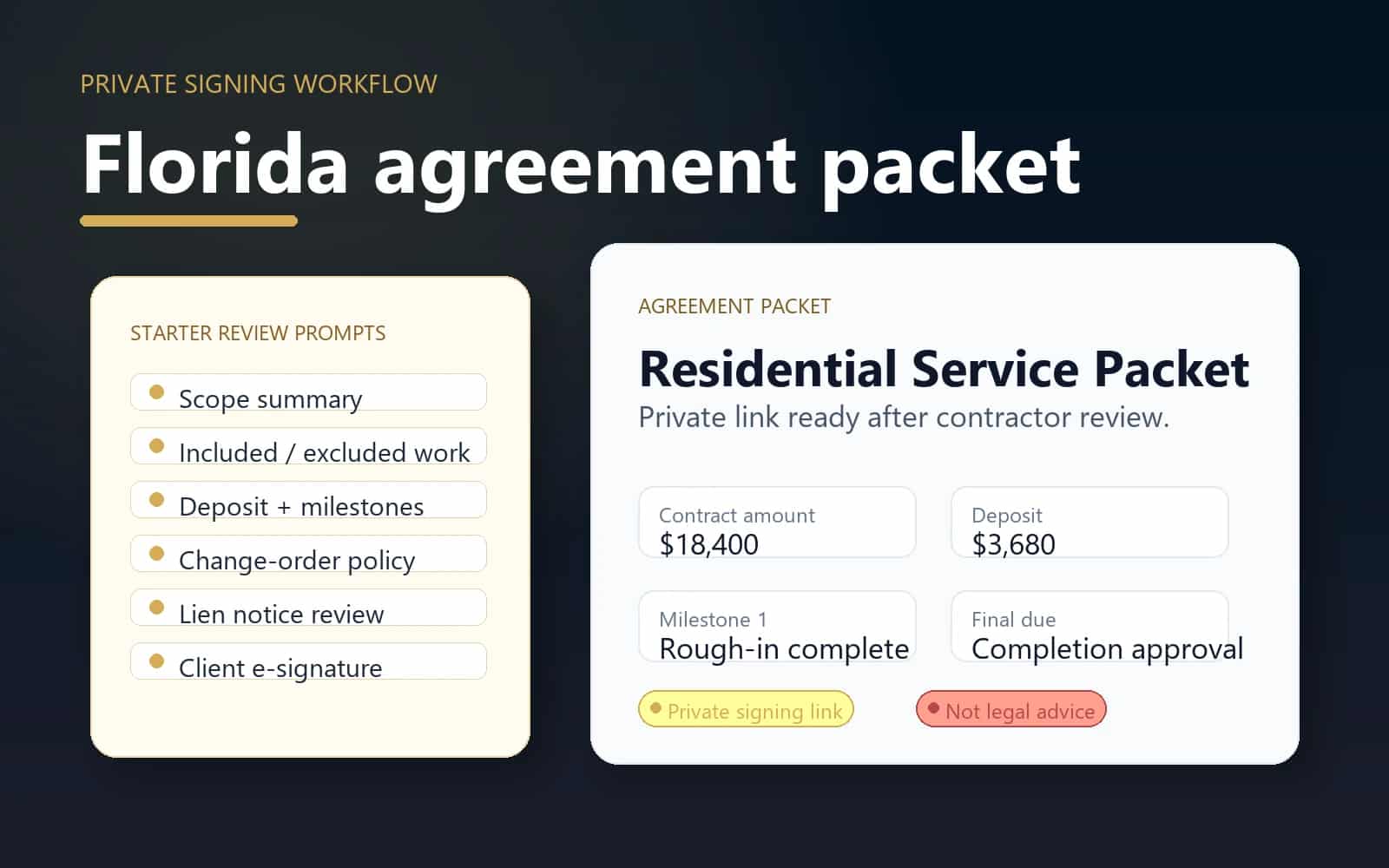
Common trigger
Florida agreement packet
Use a change order when the client asks for additional work, materials change, conditions differ, or schedule impact needs approval.
Before work
Check
Review the relationship before committing labor, materials, scheduling, or deposits.
During work
Document
Keep scope, approvals, evidence, and project records together.
After work
Resolve
Track responses, payment follow-up, and moderated updates.
Privacy
Protected
Private identifiers and raw files stay out of public pages.
When this helps
Use the workflow for a specific business decision.
Use a change order when the client asks for additional work, materials change, conditions differ, or schedule impact needs approval.
- The client asks for additional work after the original agreement is signed.
- Hidden job conditions require different labor, materials, price, or timeline.
- A verbal approval needs to become a signed private record before invoicing.
Workflow
A clear path from decision to record.
- 1
Reference the original agreement packet or project file.
- 2
Describe the changed scope, reason for change, added cost, and schedule impact.
- 3
Send the change order for client review and signature.
- 4
Attach the signed record to the project file, invoice timeline, and evidence vault.
Trust and privacy guardrails
Useful records without public overexposure.
Change orders stay private unless later summarized in an approved public report.
Signed records help explain invoices without using inflammatory language.
Client Bureau does not guarantee payment or legal enforceability.
Common questions
When should I use a change order?
Use one whenever scope, price, materials, timeline, or client expectations change after the original agreement is approved.
Can a change order help with payment disputes?
It can help document what was requested and approved. It does not guarantee payment, but it creates a clearer private record.
Are change orders public?
No. Change-order records are private contractor workspace documents and are not published on client profiles.
Ready for the next step?
Check the relationship first, then document the work clearly.
Use Client Bureau databases, private Job records, contracts, evidence, and response-aware workflows to make a more informed business decision.