Contractor Contract Template and E-Signature Workflow
Build a clear agreement before work starts. Client Bureau helps contractors and service businesses move from client check to scope, payment terms, exclusions, change-order rules, private signing link, and audit-ready status in one calmer workflow.
Best used before
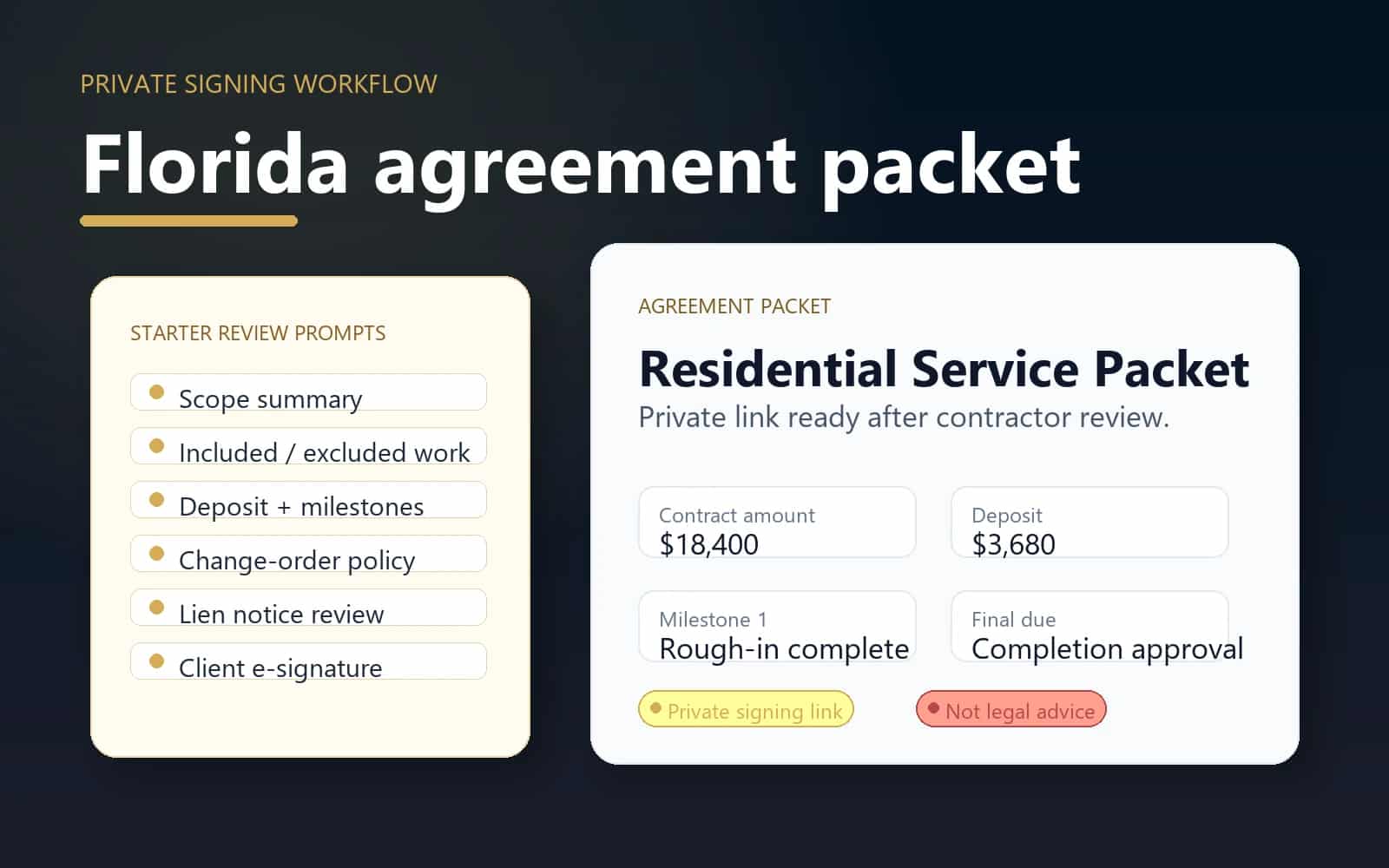
Florida agreement packet
A signed packet helps reduce confusion about what is included, what costs extra, and when payment is due.
Before work
Check
Review the relationship before committing labor, materials, scheduling, or deposits.
During work
Document
Keep scope, approvals, evidence, and project records together.
After work
Resolve
Track responses, payment follow-up, and moderated updates.
Privacy
Protected
Private identifiers and raw files stay out of public pages.
When this helps
Use the workflow for a specific business decision.
A signed packet helps reduce confusion about what is included, what costs extra, and when payment is due.
- Residential remodel, repair, installation, or service jobs with defined scope.
- Projects where deposits, milestones, or final payment terms should be clear before scheduling.
- Jobs that may need change orders, completion certificates, or payment-plan documentation later.
Workflow
A clear path from decision to record.
- 1
Start with the Florida Contract Pack or a blank agreement packet.
- 2
Add contractor and client legal names, project context, scope, included work, and excluded work.
- 3
Define payment terms, deposit, milestone timing, change-order policy, and cancellation rules.
- 4
Create the packet, prepare a private signing link, and invite the client to review before work starts.
- 5
Track signature status, timestamp, signed snapshot, and private digest without publishing contract content.
Trust and privacy guardrails
Useful records without public overexposure.
Contract packets are private and are not shown on public client profiles.
Client Bureau does not provide legal advice or guarantee enforceability.
The workflow is designed for clear records, not automatic payment enforcement.
Common questions
Is this a legal contract service?
Client Bureau provides a business workflow for agreement packets, signatures, payment terms, and private records. It does not replace attorney review or provide legal advice.
Can the client sign online?
Yes. Contractors can generate a private signing link, and the client can review the agreement packet and complete the electronic signature workflow.
Will contract details appear publicly?
No. Contract content, signatures, client contact details, and private project records are not displayed on public Client Bureau profiles.
Ready for the next step?
Check the relationship first, then document the work clearly.
Use Client Bureau databases, private Job records, contracts, evidence, and response-aware workflows to make a more informed business decision.