Client checks and job-protection tools from the field.
Download the Client Bureau Android app to check clients, track reports, manage contract packets, open recovery cases, start Florida lien service workflows, review evidence status, and monitor alerts from one secure mobile workspace.
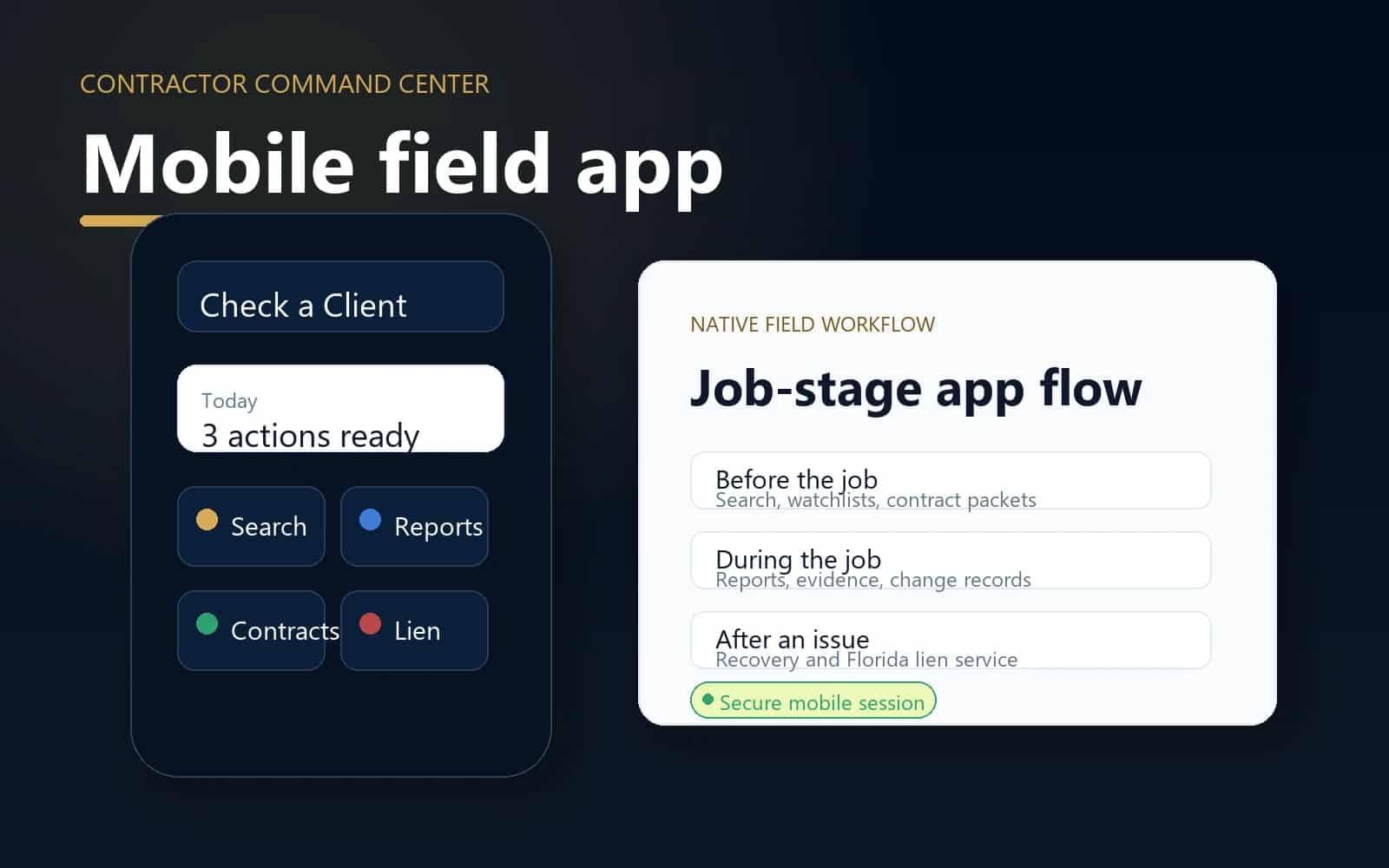
Release 0.4.1 - build 9
Native contractor field app.
Version 0.4.1. Release build: 9. Request Android access while the latest APK link is prepared.
Current mobile release
0.4.1
Release access is routed through Client Bureau support until a fresh APK link is configured.
Android build
9
Login focus fix, premium auth, and mobile tool polish.
Core tools
8
Search, reports, contracts, recovery, lien service, evidence, watchlist, account.
Private first
Yes
No public exposure of private documents or raw identifiers.
Use the app with the web platform
Mobile is strongest when the intake path is simple.
Check the client in the field, then continue into reports, contracts, evidence, recovery, lien service, or public profile research from the web platform.
Check a Client
Search before the job
Check public context and private-match options before labor, materials, deposits, or scheduling.
Protect a Job
Set terms and document
Use agreement packets, change orders, evidence records, recovery, and Florida lien-service workflows.
Browse Records
Review public profiles
Browse approved client, contractor, subcontractor, trade, city, and recent-report pages.
Get Help
Understand the rules
Find policies, rating methodology, response paths, contract guidance, and service workflow explainers.
Mobile workspace
Built for contractors who need answers before, during, and after the job.
The app keeps the daily workflow simple: check the client, create the right record, keep sensitive files private, and follow the next action.
Client search
Check client records, approved public profiles, saved searches, and private-match signals from the field.
Contracts
Track agreement packets, signing links, payment terms, deposits, and contract status.
Payment recovery
Open private Resolution Desk cases and track staff-reviewed next actions for unpaid invoices.
Evidence vault
Review private evidence summaries and document status without exposing raw files publicly.
Security posture
Account-protected
Mobile access is tied to your account, and private workspace details stay out of public pages.
Daily action
Check first
The app is designed around the first question a contractor asks: should I take this job?
Check the client
Check before you commit labor, materials, scheduling, deposits, or crew time.
Choose the right tool
Use reports, contracts, recovery, lien service, evidence, or watchlist based on where the job stands.
Keep records private
Sensitive identifiers, documents, evidence files, contract terms, and service cases stay private.
Install note
A fresh APK link is published here when a release artifact is configured. Until then, request Android access and we will route you to the right install path.
Use it in the field
Check the client before you take the job.
Create an account, install the Android app, and keep Client Bureau close while reviewing leads, documenting projects, and tracking payment.