Response and Correction Rights
A serious trust platform needs a fair path for people and businesses connected to a record. Client Bureau gives clients, contractors, and subcontractors ways to respond, request correction, dispute context, claim a profile, or submit resolution updates for moderation.
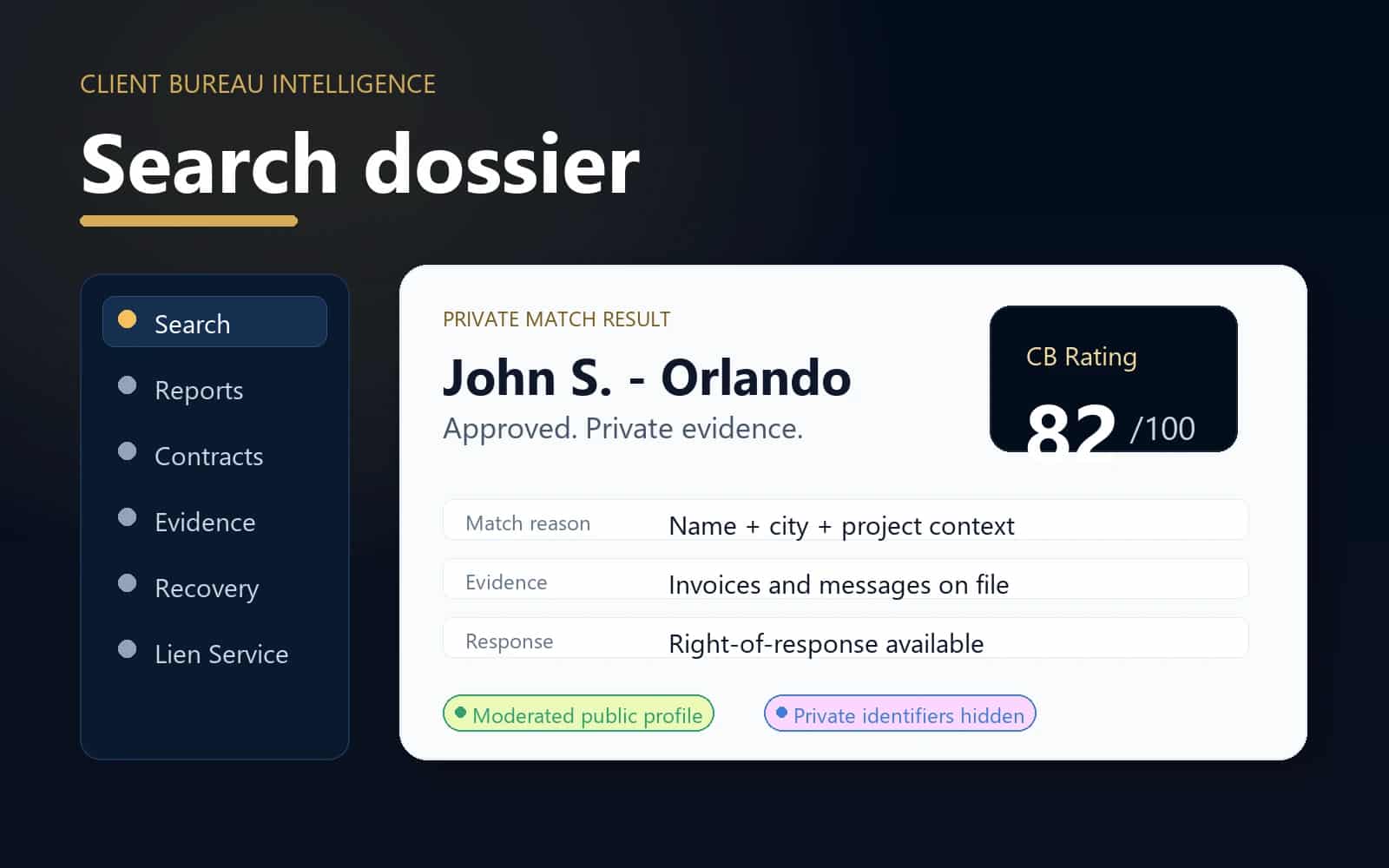
Fairness layer
Search dossier
Response rights keep the databases useful, balanced, and careful while still protecting private evidence and moderation notes.
Before work
Check
Review the relationship before committing labor, materials, scheduling, or deposits.
During work
Document
Keep scope, approvals, evidence, and project records together.
After work
Resolve
Track responses, payment follow-up, and moderated updates.
Privacy
Protected
Private identifiers and raw files stay out of public pages.
When this helps
Use the workflow for a specific business decision.
Response rights keep the databases useful, balanced, and careful while still protecting private evidence and moderation notes.
- A client wants to respond to a public client profile or report summary.
- A contractor or subcontractor wants to claim, verify, or correct a business/trade profile.
- A record has been resolved, partially resolved, disputed, or updated and needs moderation review.
Workflow
A clear path from decision to record.
- 1
Find the public profile or report connected to the record.
- 2
Submit a response, correction, dispute, claim, or resolution update with verification context.
- 3
Moderators review the request, evidence, identity context, and public-safe wording.
- 4
Approved response or correction context can update the public record while keeping private identifiers hidden.
Trust and privacy guardrails
Useful records without public overexposure.
Responses, disputes, corrections, and resolution updates are moderated before public display.
Private evidence, contact details, and staff-only review notes remain private during review.
Public pages should show balanced context without claiming legal conclusions or guaranteed outcomes.
Common questions
Who can request a correction?
Clients, contractors, subcontractors, service businesses, and trade professionals can submit correction or claim requests when they are connected to a public record.
Are responses published automatically?
No. Responses, disputes, corrections, and resolution updates are reviewed before any public display.
Can a resolved issue be updated?
Yes. Resolution context can be submitted for moderation so public profiles reflect resolved or partially resolved status where appropriate.
Ready for the next step?
Check the relationship first, then document the work clearly.
Use Client Bureau databases, private Job records, contracts, evidence, and response-aware workflows to make a more informed business decision.